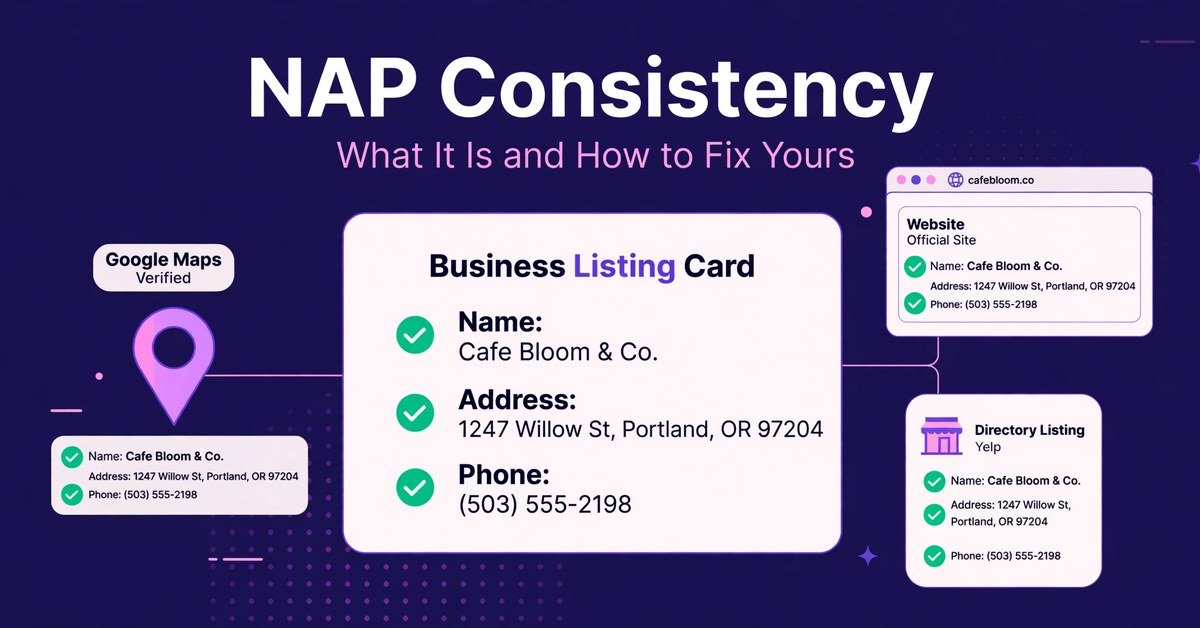
Your business name, address, and phone number should match everywhere online. That match is NAP consistency. NAP stands for Name, Address, and Phone. When the details differ from one site to the next, Google sees mixed signals about your business. This guide shows what NAP consistency means, why it matters, and how to fix yours in about 15 minutes.
What is NAP consistency?
NAP consistency means your business name, address, and phone number show the same facts on every site that lists you. Your Google Business Profile, your website, and every directory should agree. Small format differences do not matter. Different facts do.
NAP stands for Name, Address, and Phone. Some guides add a W for Website, which gives NAPW. One business should have one set of facts. Every listing should show that same set.
Start with a canonical NAP. That is the one version you treat as the truth. Write it down exactly as it appears on your shop sign and your website. Use that version everywhere you can control.
Smith Plumbing, 42 Oak Street, Suite 100, Chicago, IL 60601, (312) 555-0148
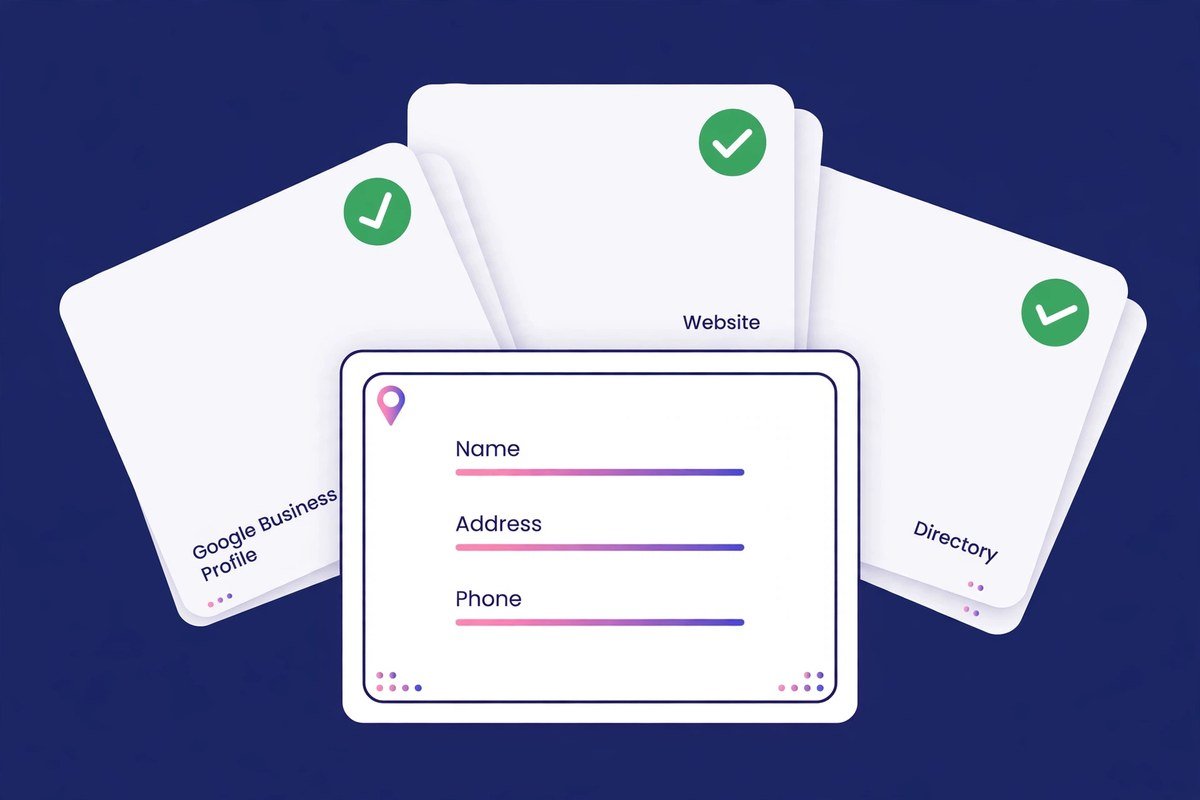
Your Google Business Profile should carry this exact name, address, and phone number. Your website footer and contact page should carry it too. So should every directory that lists you. When all three agree, Google can match them to one business. When they disagree, Google has to guess.
Google reads your NAP as identity data. The name tells Google who you are. The address tells Google where you are. The phone number ties the two together. If any of the three changes from site to site, the match gets weaker.
Why mismatched NAP hurts your rankings
Google names only three local ranking factors: relevance, distance, and prominence. NAP consistency is not one of them. Google never lists it as a ranking factor. But NAP feeds all three factors Google does name. That link makes NAP matter.
Google’s own guidance says local results rest on relevance, distance, and prominence. Relevance means your profile matches the search. Distance means how far your business sits from the searcher. Prominence means how well known your business is, based on links and reviews. The same page adds a plain warning: businesses with complete and accurate info are more likely to show up in local search results. If your business info is not accurate, your profile might not show up for relevant searches at all.
Here is how a mismatch hurts each factor. A wrong address puts your pin in the wrong place, so Google measures distance from the wrong spot. A wrong phone number splits your identity, so reviews and links land on two versions of your business instead of one.
The 2026 Whitespark Local Search Ranking Factors survey puts numbers on this. Forty-seven local search experts scored 187 factors. The survey ranks a website NAP that matches the Google Business Profile NAP at #15 for the local pack. The absence of crawlable NAP on a website ranks as the #10 negative factor. Citation consistency on Google Maps, Bing Maps, and Apple Maps ranks #28. Citation signals carry about 6% of local pack weight in the survey, but about 13% of AI search visibility weight. Darren Shaw, who runs the survey, says three of the top five AI search visibility factors are citation factors. Citations lost ground in the local pack for a decade. AI search is now pulling them back up. Read the full survey on Whitespark’s 2026 Local Search Ranking Factors page.
Customers punish bad NAP too. BrightLocal surveyed 1,025 US consumers in March 2018 for its Local Citations Trust Report. The numbers still stand as the newest survey of this kind. Ninety-three percent of consumers feel frustrated by wrong information in online directories. Eighty percent lose trust in a business when they see wrong contact details. Sixty-eight percent would stop using a local business after they find wrong information about it. Read the report on BrightLocal’s Local Citations Trust Report page.
So fix your NAP for two reasons. Google needs clean identity data to rank you well. Customers need correct details to reach you at all. A wrong phone number loses the call before the ranking ever matters.
One honest note before you start: fixing NAP alone does not guarantee a ranking jump. NAP is one signal among several. Our guide to ranking on Google Maps shows the full picture. Fix your NAP first because it is the base. Then work on reviews, categories, and links.
The 5 most common NAP mistakes
Most NAP problems come from five mistakes. Check each one against your own listings. The first three are small. The last two cost real business.
1. Suite numbers and abbreviations
Your suite number causes more mismatches than any other detail. One site shows “Suite 100”. Another shows “Ste. 100”. A third shows “#100”. A fourth drops the suite. Google normalises most formats, so “St.” versus “Street” will not break your match. A missing suite in a shared building can break it. Two businesses in one building with no suite number look like one business. Pick one format for your suite, and use it on every listing. Use the same format for your street suffix and your legal suffix too. “Ltd.” and “Limited” mean the same thing to a reader, but they are different facts to a machine that matches text.
2. Old phone numbers that still circulate
You changed your phone number two years ago. Your website and profile show the new one. But twenty directories still show the old one. Customers who call it never reach you. Search your old number in quotes on Google, like “(312) 555-0199”. Every result is a listing you need to fix. Do this for every old number you have ever used.
3. Tracking numbers in the wrong places
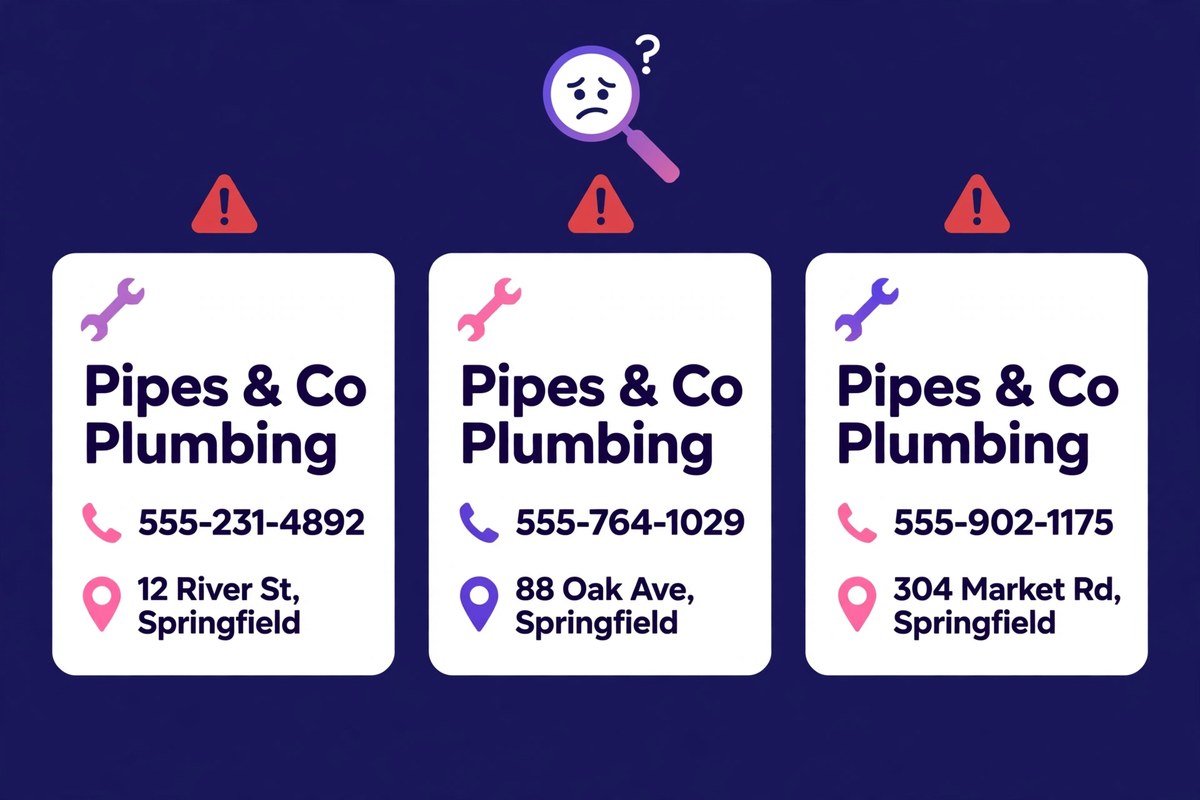
Call tracking tells you which channel brings calls. A tracking number works well on your own website. It breaks your NAP when it spreads to your Google Business Profile and your directories. Every different phone number online looks like a different business to Google. One tracking number per channel, spread across five sites, splits your identity five ways. The next section shows the setup that keeps tracking without breaking NAP.
4. Name variations and keyword-stuffed names
Your legal name is “Smith Plumbing LLC”. Your sign says “Smith Plumbing”. Your Facebook page says “Smith Plumbing — Best Plumber in Chicago 24/7”. Google reads three names. Use your real-world name everywhere, with the same legal suffix or none at all. Never add keywords, a city, or a tagline to your business name. Google calls that a guideline breach, and it can suspend your profile. Our guide to a suspended Google Business Profile explains what happens next. A name change causes the same problem. Change the name on your website and your profile first, then chase every directory that still shows the old name.
5. An old address after a move
You moved offices last year. Your new address is on your website. Your old address still sits on a dozen directories and review sites. Customers drive to an empty shop. Worse, Google sees two addresses for one business and cannot tell which one is real. A move needs a fix in order. The fix section below gives that order.
| Mismatch | How bad is it? | Why it matters |
|---|---|---|
| “St.” vs “Street”, phone punctuation | Low | Google normalises these formats. Fix them last, if at all. |
| “Suite 100” vs “Ste. 100” vs “#100” | Low to medium | Google normalises most formats, but a missing suite in a shared building splits the business. |
| “Ltd.” vs “Limited”, name suffix drift | Medium | Different text for the same business weakens the match. Pick one suffix and keep it. |
| Tracking number on directories | High | Each number looks like a different business. Keep tracking numbers off citations. |
| Old address still listed | High | Customers visit the wrong place. Google measures distance from the wrong spot. |
| Old phone number still listed | High | Customers call a dead number or a stranger. You lose the call and the trust. |
| Name change, old name still listed | High | Reviews and links split across two names. Fix the name everywhere. |
The call-tracking trap: where each number goes
Call tracking tells you which ad or channel brought the call. The trap is where the tracking number ends up. Put it in the wrong place and it breaks your NAP. Put it in the right place and you keep both.
Google’s guidelines never mention call tracking by name. They do set rules that shape the setup. The number must connect to your location and sit under your direct control. Use a local number instead of a call-centre number when you can. Your profile can carry up to two extra phone numbers. Read the rules on Google’s guidelines for representing your business.
Here is the setup most local SEO experts use in 2026. It fits Google’s written rules. Google has not approved or rejected it by name, so treat it as the common setup, not as a Google promise.
| Where | Which number goes here | Why |
|---|---|---|
| Google Business Profile, main phone | Tracking number | Calls from Maps and Search get tracked, and the profile still carries a number you own. |
| Google Business Profile, extra phone | Main (canonical) number | The profile still shows the number that matches your website and directories. |
| Website HTML, footer and contact page | Main number, in plain text | Google reads the code. The real number must sit in the code. |
| LocalBusiness schema, telephone field | Main number | Schema must match the live NAP. Never put a tracking number in schema. |
| Directories and citations | Main number only | Tracking numbers on citations split your identity. Never put them there. |
| Shown to website visitors | Tracking number, via Dynamic Number Insertion | A script swaps the number visitors see by traffic source. The code keeps the real number. |
Dynamic Number Insertion, or DNI, is a small script on your website. It swaps the phone number a visitor sees based on where that visitor came from. A visitor from a Google ad sees the ad tracking number. The page code always holds the main number, so Google always reads the same NAP.
Two warnings. First, own your tracking numbers. If you cancel the tracking service, port the numbers to your own account or update every place that shows them before you cancel. Second, never use rotating or temporary numbers outside your own website. A number that changes every week cannot match anything.
How to check your NAP: the 15-minute audit
You can find every mismatch that matters in fifteen minutes. Set a timer. Work in this order.
0:00 — Write down your canonical NAP. Copy it from your Google Business Profile. Write the name, the full address with suite number, and the main phone number on one line.
0:02 — Check your website. Open your footer and your contact page. Does the name, address, and phone number match your canonical NAP word for word? Check your LocalBusiness schema too. The telephone field must hold the main number, not a tracking number. Our complete guide to Google Business Profile optimization shows how the profile and the website should line up.
0:05 — Google your business name in quotes. Search “Smith Plumbing” and then “Smith Plumbing Chicago”. Open every listing on the first two pages. Note each one that shows a different name, address, or phone number.
0:08 — Google your phone numbers in quotes. Search your main number first, then your old number if you changed it. Each result is a live listing.
0:11 — Check the big five. Open your Google Business Profile, Bing Places, Apple Maps, Facebook, and Yelp. Note any mismatch on each one.
0:14 — List the mismatches in priority order. Website and profile first. Then Google, Bing, and Apple Maps. Then the big directories. Then the small ones. You now hold the fix list. The next section works through it in that order.
How to fix mismatches, in order
Fix in priority order. The places Google weighs most come first. The Whitespark 2026 survey gives the order. Your website NAP must match your profile NAP — that factor ranks #15 for the local pack. Citation consistency on Google Maps, Bing Maps, and Apple Maps ranks #28. Key directories rank #63. Data aggregators rank #85.
| Step | Fix this | Why this order |
|---|---|---|
| 1 | Your website: footer, contact page, schema | Website NAP matching your profile ranks #15. You control it. |
| 2 | Your Google Business Profile | Your profile is the source of truth. Fix it second so it matches the website. |
| 3 | Google Maps, Bing Places, Apple Maps | Citation consistency here ranks #28. These three feed every other map. |
| 4 | Key directories: Yelp, Facebook, BBB | Key sites rank #63. Fix the ones customers actually use. |
| 5 | Data aggregators: Data Axle, TransUnion, Foursquare | Aggregators rank #85, but one wrong record re-infects dozens of listings. |
| 6 | Industry directories and the rest | Fix these last. Claim each listing first, then correct the NAP. |
Claim each listing before you fix it. Most directories let you claim a listing for free. An unclaimed listing may not let you edit the details. If a directory will not let you claim or edit a listing, use its “suggest an edit” link. Keep a note of the request date.
Fix the facts first and the formatting last. A wrong address matters. “St.” versus “Street” does not. Spend your time on facts, not on punctuation. Our local SEO checklist puts the NAP fix in its full order, next to reviews, citations, and schema.
If you moved offices
A move needs steps in order. First, update your website and your Google Business Profile with the new address. Expect Google to ask you to re-verify the profile. Second, update the three aggregators: Data Axle, TransUnion Digital Business Profile, and Foursquare. They feed the old address to dozens of directories. Third, update the key directories: Yelp, Facebook, and BBB. Fourth, search your old address in quotes and chase the stragglers. Fifth, update your schema, footer, embedded map, and location-page copy. If the old Maps listing still shows, report it as moved or as a duplicate. Do not open a second profile for the new address. One business gets one profile per location.
If listings keep reverting to old data
You fix a directory listing. A week later it shows the old address again. The aggregator is feeding it. Data Axle, TransUnion, and Foursquare push their records to dozens of directories. Fix the aggregator record first, then fix the directory again. The revert stops once the source record is correct. Check the aggregator record two weeks after you fix it. Changes take time to flow through.
Two old names still appear in guides and tools. Infogroup is now Data Axle. Neustar Localeze is now TransUnion Digital Business Profile. Factual merged into Foursquare in 2020. Acxiom shut its directory products in late 2019. If a tool tells you to fix your Acxiom listing, that tool is stale. Skip it.
Service-area businesses need a different setup. If you work from home and serve customers at their homes, hide the address on your profile. Set your service areas instead. Never rent a virtual office to get an address. Google does not accept virtual offices for a profile. Each location gets its own NAP, its own profile, and its own landing page. Avoid sharing one phone number across locations. One number per location keeps each identity clean.

What NOT to fix
Do not chase every punctuation difference. Google normalises “Street” and “St.”, and it normalises phone punctuation. “(312) 555-0148” and “312-555-0148” show the same fact. Fixing that difference changes nothing. Fix facts first: the name, the address, the number, and the suite. The goal is one set of facts everywhere, not one set of characters.
FAQ
What does NAP stand for?
NAP stands for Name, Address, and Phone. It is the set of facts that identifies your business online. Your Google Business Profile, your website, and every directory should show the same name, the same address, and the same phone number.
Does NAP affect Google Maps rankings?
Google never names NAP consistency as a ranking factor. Google names only relevance, distance, and prominence. NAP feeds all three: a wrong address breaks distance, and split details break prominence. The 2026 Whitespark survey ranks website NAP matching profile NAP at #15 for the local pack. Fixing NAP alone will not guarantee a ranking jump.
Should my website and GBP show the same phone number?
Yes. Your website and your Google Business Profile should show the same main phone number. That match is the single strongest NAP factor in the Whitespark 2026 survey. If you use call tracking, put the tracking number as the profile’s main phone and add the main number as an extra phone. Keep the main number in your website code and in your schema.
What if I moved offices?
Update your website and your Google Business Profile first, then the three aggregators, then the key directories. Search your old address in quotes to find stragglers. Update your schema, footer, and embedded map. Expect Google to ask you to re-verify the profile. Report the old Maps listing as moved or as a duplicate. Never open a second profile.
How do I find wrong citations?
Run the 15-minute audit in this guide. Google your business name in quotes, then your main phone number and any old number in quotes. Check your website, your profile, Bing Places, Apple Maps, Facebook, and Yelp. Each result that shows different facts is a citation to fix, in the order this guide gives.
Do I need the same NAP on social media too?
Yes, on the profiles customers use to find you — Facebook, Instagram, and LinkedIn at least. Social profiles are citations too. A wrong phone number on Facebook sends customers to the wrong place like a wrong directory does. Match the name, address, and phone number to your canonical NAP.
Your NAP is the base of your local SEO. Fix it first, and fix it in order. Then build on it with reviews, categories, and links. Want help with the full picture? Book a free local SEO audit. We will check your profile, your citations, and your rankings together.